Overview
This page explains how to configure the available Ollama options in the AI Engine section of the plugin.
Ollama allows you to generate embeddings using a local model instead of relying on an external API provider.
These settings help you adapt the embeddings generation process to different machines, models, and runtime conditions.
You can configure:
- the Ollama model
- the Ollama runtime profile
- the Ollama endpoint mode
- custom runtime limits, when using the Custom profile
Ollama model
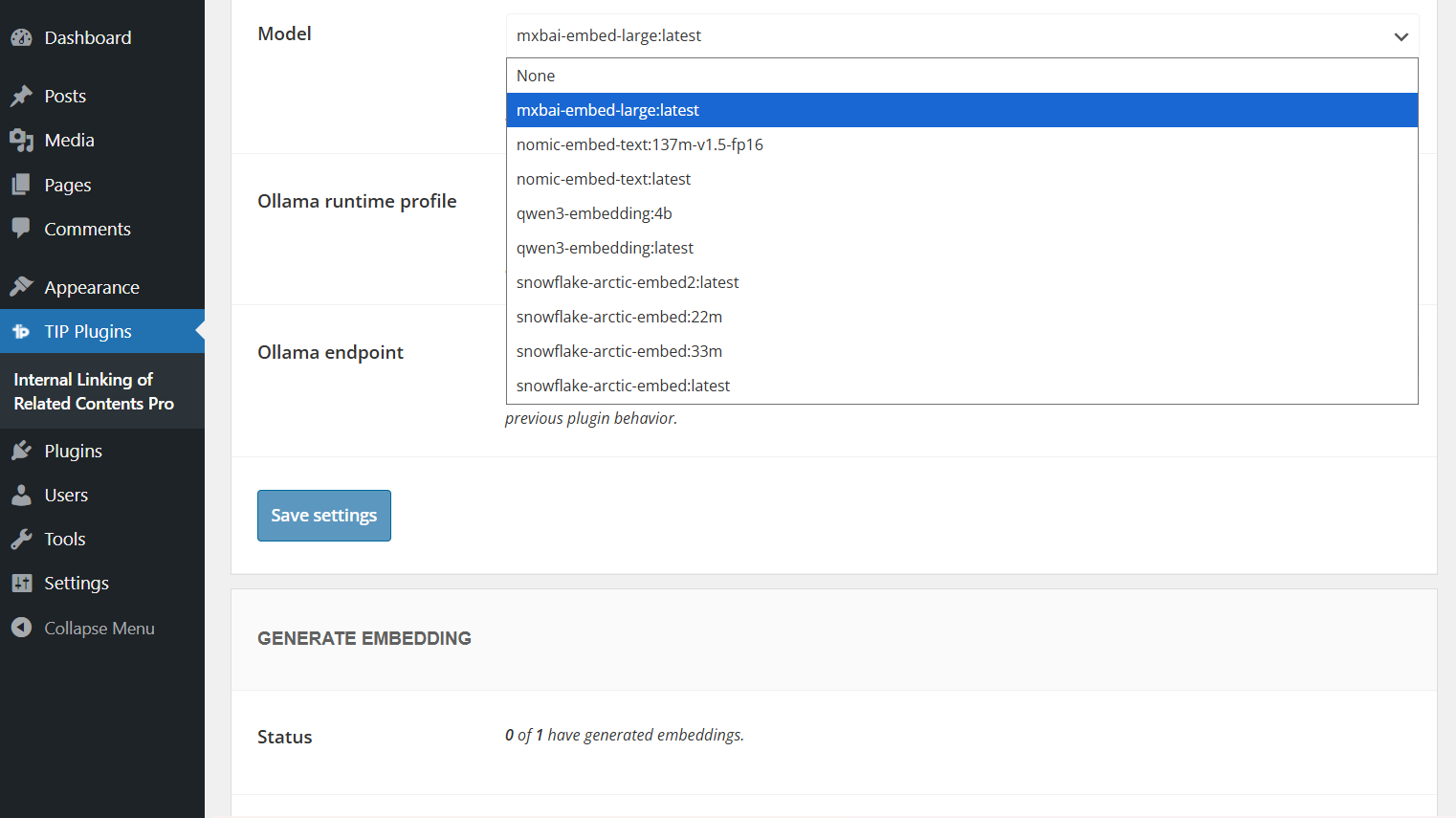
Before using Ollama with the AI Engine, you need to install an embeddings model on the machine where Ollama is running.
You can find compatible models in the official Ollama embeddings models list.
After choosing a model, install it using the command shown on the model page. For example:
ollama pull nomic-embed-text
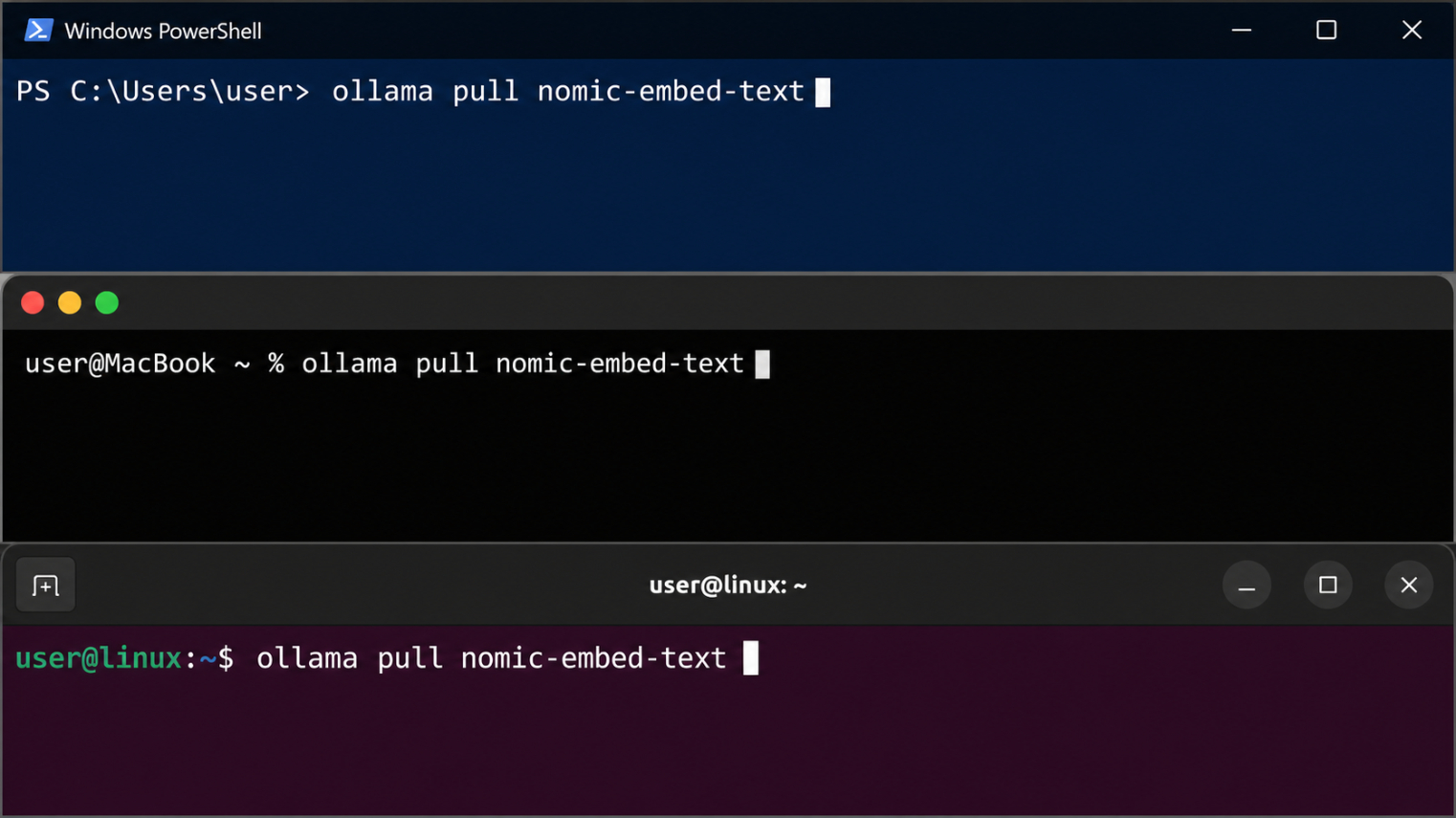
Once the model has been installed, select or enter the same model name in the plugin settings.
Make sure to use a model designed for embeddings. Regular text generation models are not suitable for this feature.
Ollama runtime profile
The Ollama runtime profile controls the limits used by the plugin during embeddings generation.
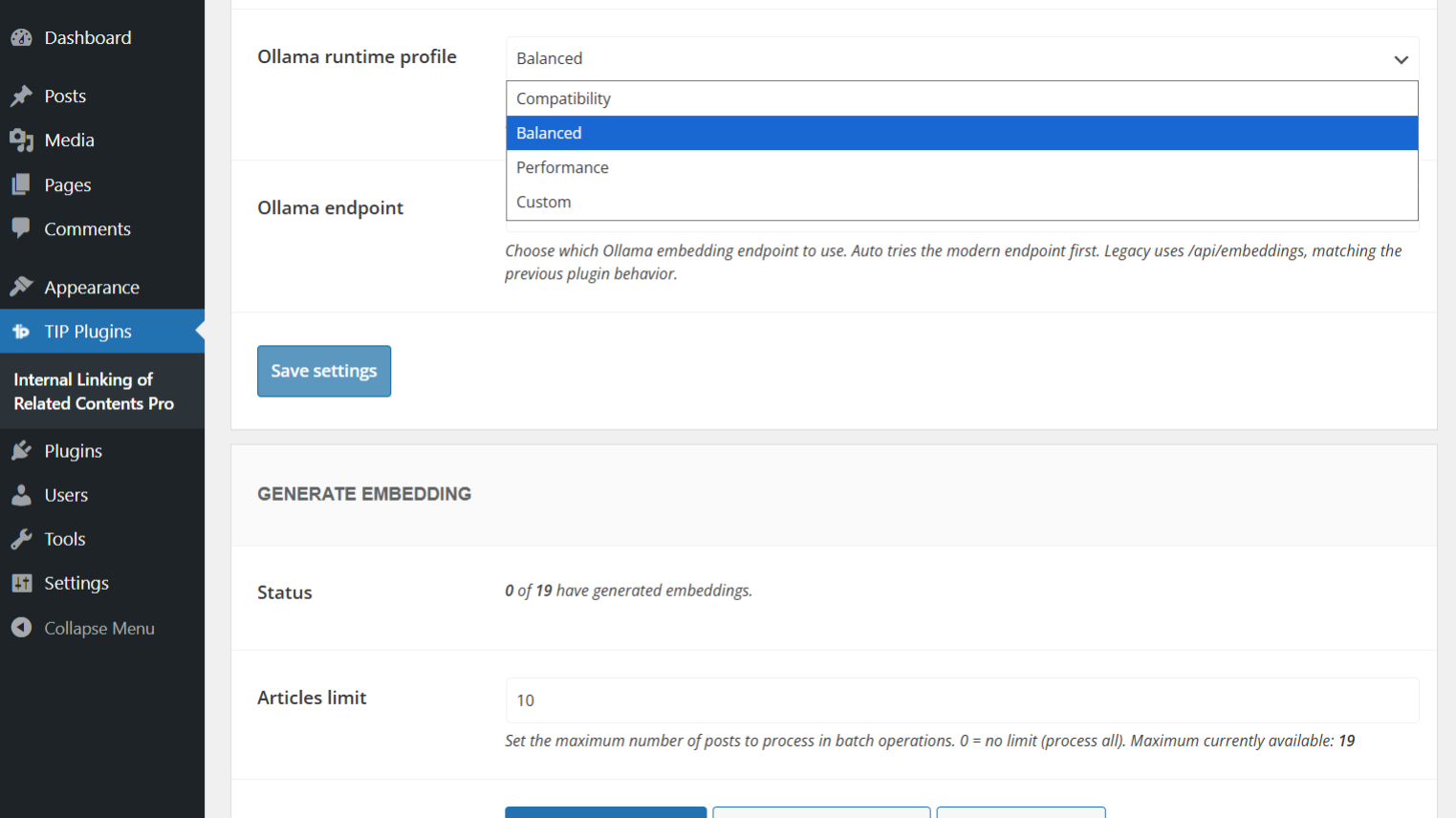
These limits affect how the plugin splits long content into chunks, how many chunks can be processed for each post, and how much time the generation process can use.
| Profile | Chunk size | Overlap | Max chunks | Request timeout | Runtime budget |
|---|---|---|---|---|---|
| Compatibility | 2500 | 150 | 32 | 25s | 90s |
| Balanced | 4500 | 250 | 48 | 30s | 120s |
| Performance | 6000 | 350 | 64 | 40s | 180s |
| Custom | Manual | Manual | Manual | Manual | Manual |
The default profile is Balanced.
Use Compatibility if your machine has limited resources or if the selected model is slow or heavy.
Use Balanced in most cases.
Use Performance only when Ollama runs on a more powerful machine.
Use Custom only if you need to manually adjust the generation limits.
When you switch from Custom to one of the predefined profiles, the plugin uses the selected preset values for generation. Your previously saved Custom values are preserved and are restored when you switch back to Custom.
Custom options
The Custom options are available only when Ollama runtime profile is set to Custom.
These fields allow you to manually control the limits used during embeddings generation.
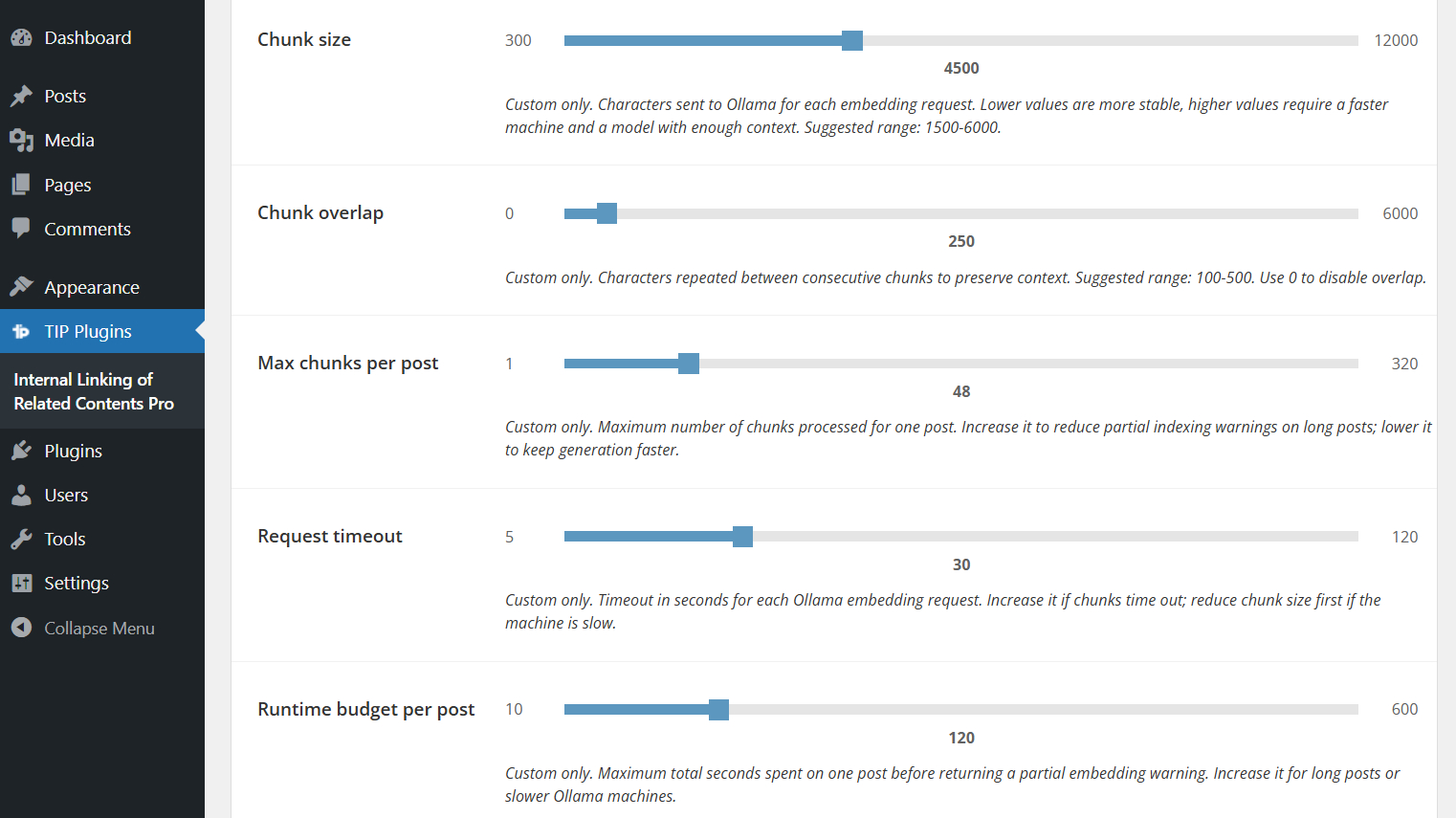
If you select Compatibility, Balanced, or Performance, the Custom fields are disabled for generation and the preset values are used instead. The saved Custom values are not overwritten by the preset.
| Field | Default | Min | Max | Step | Description |
|---|---|---|---|---|---|
| Chunk size | 4500 | 300 | 12000 | 100 | Maximum size of the text block sent to the model. |
| Chunk overlap | 250 | 0 | 6000 | 50 | Amount of text shared between consecutive chunks. The value 0 is valid and disables overlap. |
| Max chunks per post | 48 | 1 | 320 | 1 | Maximum number of chunks that can be processed for each post. If a post generates more chunks than this value, it may be indexed only partially. |
| Request timeout | 30 | 5 | 120 | 1 | Maximum waiting time for each request sent to Ollama. |
| Runtime budget per post | 120 | 10 | 600 | 5 | Maximum total processing time allowed for generating the embedding of a single post. |
Max chunks behavior
The Max chunks per post value defines the maximum number of chunks that the plugin can process for each post.
At runtime, this limit follows the value configured by the user. It is not tied to the initial estimated number of chunks.
If a post generates more chunks than the configured limit, the post may be indexed only partially.
For example, if Max chunks per post is set to 1, partial indexing can be expected even on short texts with some models. In this case, the log may show a message such as processed 1/2 with the cause chunk cap reached.
Important notes about runtime limits
The limits configured in the interface are not hard limits imposed by Ollama.
They are guardrails applied by the plugin to reduce the risk of long-running or unstable generation processes.
For models with a smaller context, the plugin may reduce the effective chunk size even if the slider is set to a higher value.
During foreground generation, the plugin also aligns the PHP execution budget with the selected runtime profile. However, web server or browser requests can still be interrupted if the local machine is under heavy load. In that case, the plugin checks server-side progress before marking the batch as failed.
If you change the Ollama model or tag and the embedding size is different, it is recommended to regenerate the existing embeddings.
Recommended configuration
The best configuration depends on the machine running Ollama and on the selected model.
Slow machine
Use this configuration if Ollama runs on a machine with limited resources or if you frequently experience timeouts.
| Option | Recommended value |
|---|---|
| Ollama runtime profile | Compatibility |
| Ollama endpoint | Auto |
This profile uses smaller chunks and more conservative limits.
It is slower, but it can reduce the risk of failed or partial generation.
Average machine
Use this configuration in most cases.
| Option | Recommended value |
|---|---|
| Ollama runtime profile | Balanced |
| Ollama endpoint | Auto |
The Balanced profile provides a good compromise between stability, speed, and content coverage.
Powerful machine
Use this configuration only if Ollama runs on a machine with adequate resources.
| Option | Recommended value |
|---|---|
| Ollama runtime profile | Performance |
| Ollama endpoint | Auto |
This profile increases chunk size, max chunks, request timeout, and runtime budget.
It can improve coverage for long content, but it requires more resources.
Ollama endpoint
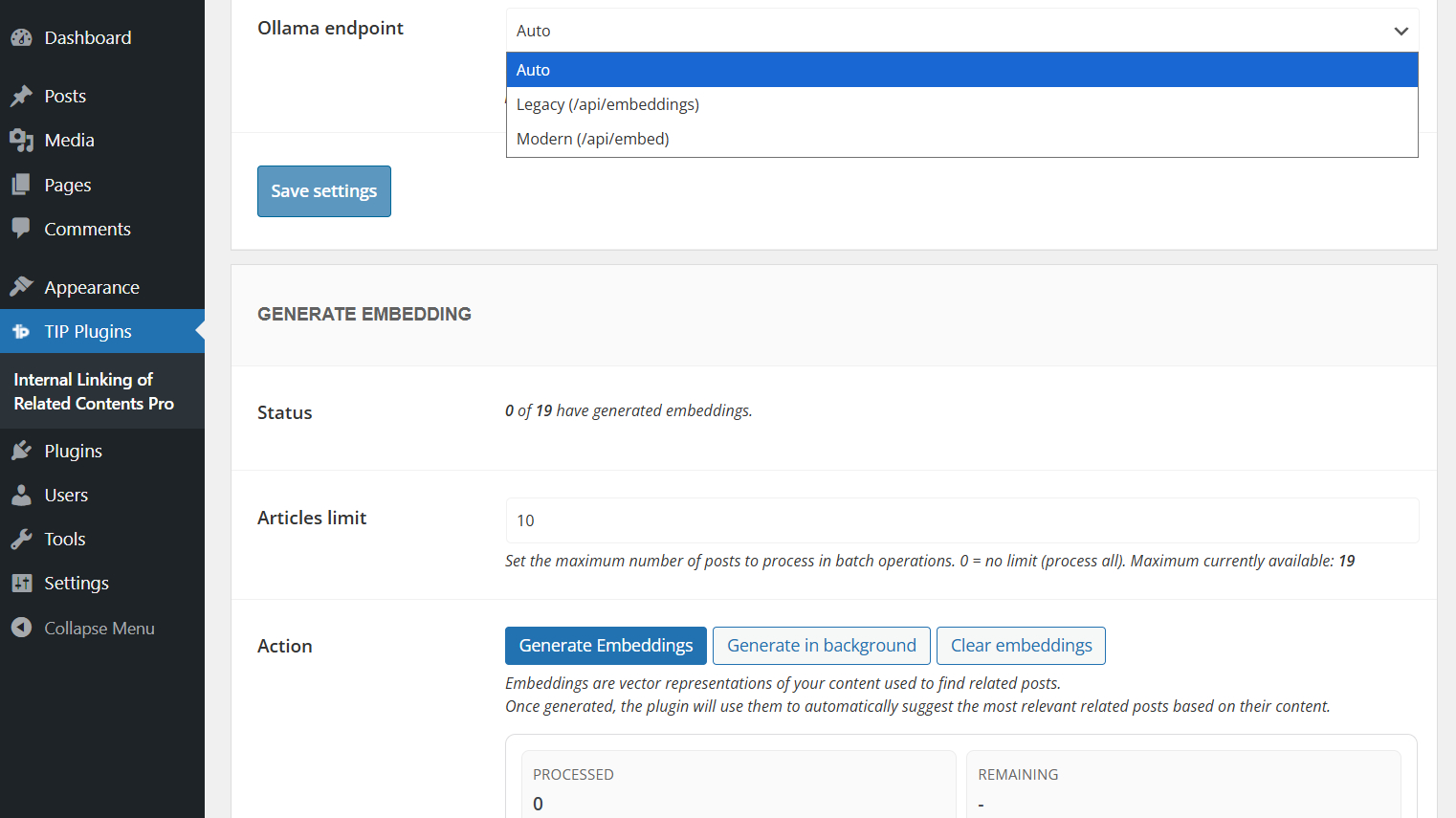
The Ollama endpoint option controls which Ollama API endpoint is used by the plugin.
| Option | Description |
|---|---|
| Auto | Default option. The plugin tries /api/embed first and falls back to /api/embeddings if needed. |
| Legacy | Always uses /api/embeddings. |
| Modern | Always uses /api/embed. |
In most cases, you should keep this option set to Auto.
Use Legacy or Modern only if you need to force a specific Ollama endpoint.
Log messages and troubleshooting
During embeddings generation with Ollama, the plugin may display log messages related to batch progress, partial indexing, timeouts, HTTP errors, or invalid embedding responses.
These messages can help you understand whether the selected model, endpoint, or runtime profile is suitable for your current machine.
If the browser request is interrupted but the server continues processing, the log may show a connection recovery message. When recovery succeeds and the embedding metadata reports coverage_complete: true, the saved embedding is complete even if the connection warning was shown.
For the complete list of log messages and their meaning, please refer to the generation log messages documentation.
FAQ
Which runtime profile should I use?
In most cases, use Balanced, which is the default profile.
If you experience timeouts, errors, or partial indexing, try Compatibility.
If Ollama runs on a powerful machine, you can try Performance.
When should I use Custom?
Use Custom only if you need to manually control chunk size, overlap, timeout, max chunks, or runtime budget.
This can be useful when the predefined profiles are not suitable for your machine or selected model.
What happens if I set Chunk overlap to 0?
The value 0 is valid and disables overlap between consecutive chunks.
Why do I see partial indexing when Max chunks per post is set to 1?
If Max chunks per post is set to 1, the plugin can process only one chunk for each post.
Some models may split even short texts into more than one chunk. In that case, partial indexing is expected and the log may show processed 1/2 with the cause chunk cap reached.
To avoid this, increase Max chunks per post or use one of the predefined runtime profiles.
Are the slider values Ollama limits?
No.
They are guardrails applied by the plugin.
The plugin may still reduce the effective chunk size if the selected model has a smaller context.
Should I regenerate embeddings after changing the Ollama model?
Yes, it is recommended to regenerate embeddings if you change the Ollama model or tag and the embedding size is different.
Which Ollama endpoint should I select?
In most cases, use Auto.
The plugin will try /api/embed first and fall back to /api/embeddings if needed.